
Trendyol and Google, from the same admin.
Send your products to Trendyol and keep stock and prices in step on a regular schedule; Trendyol orders come into your admin. The Google Merchant Center connection builds a product feed for each country and shows the products Google rejected, with the reasons. The Meta Conversions API (CAPI) connection reports orders to your ad account from the server.
Professional and EnterpriseChannels not on the list connect through apps on every plan.
What's in Marketplaces and sales channels

Stock and price sync
Stock and prices go to Trendyol on a regular schedule, so you never update two places by hand.

Category and attribute mapping
Map Trendyol categories and attributes to your products, and search for and pick the brand.

Trendyol orders in your admin
Trendyol orders arrive in your admin, and tracking numbers and statuses are written back to Trendyol.

Import existing products
Bring your Trendyol products into Milofly.
Sync log
Every sync is logged, so you can see what was sent and when.

Google Merchant Center
Sign in with your Google account. A product feed is prepared for each country and the site verification tag is added to your storefront.

Rejected products
See the products Google rejected and why, fill in what is missing and the feed refreshes.

Each country, its own account
Each country you sell in uses its own integration account, so
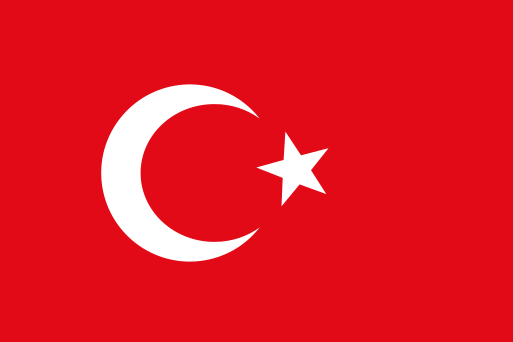 Türkiye and
 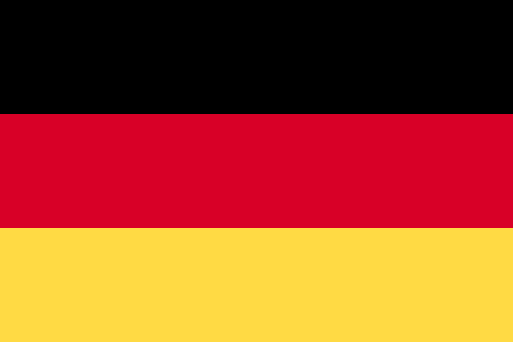 Germany can have separate Merchant Center accounts.
New channels through apps
Apps can hold marketplace listings, and channels not on the list connect through the developer platform.
On every plan
See what Google says, right in your admin.
The Merchant Center screen shows the feed status and problem products country by country, so you find what to fix without opening Google.
- Sign in with your Google account
- A product feed for each country
- Site verification tag added to your storefront automatically
- Catalogue
- Connected
- Ready for Google
- 1,240 products
- Products with issues
- 12 products
Good to know before you start
- The marketplace connection is for Trendyol and needs a Trendyol seller account.
- Google Merchant Center needs a Google account and a Merchant Center account. The logos shown here do not imply a partnership or endorsement.
Services that work with this feature

Marketplaces and sales channels: frequently asked questions
Can't find your answer? Write to us from the contact page.
Which marketplaces can I connect?
Trendyol. To show your products on Google there is also a Google Merchant Center connection. Trendyol and Google Merchant Center: Included in Professional and Enterprise.
Is stock kept separately in each place?
No. Stock and prices are sent from Milofly to Trendyol on a regular schedule, and Trendyol orders come into your admin.
Can I bring my Trendyol products into Milofly?
Yes, you can import your existing Trendyol products.
Why are my products not showing on Google?
The admin lists the products Google rejected and the reasons. Once you fill in what is missing, the feed refreshes on its own.
Features used together
-
Inventory and warehousesRun several warehouses as one stock, with each order leaving from the right warehouse in the order you set.
-
SEO and speedThe technical work search engines need to read your store quickly and correctly is done for you. You write the words.
-
Analytics and reportsSee your visitors, your sales and which ads actually sell, in your own admin.
Related posts

Open your store today.
You open your store for free; when you choose a plan, every plan is $299 for the first year, excl. VAT.